---
updatedAt: 2026-02-19T01:56:03.000Z
agentTools:
projectIndex: https://docs.attentive.com/llms.txt
---
# Webhook Authentication
# Webhook authentication
You can authenticate webhooks using a signing key. The signing key is a unique key shared between your application and Attentive to verify the event notifications sent to your desired HTTP Post URL. While it's not required to use a signing key, it's strongly recommended for security reasons.
After the webhook authentication type is configured, all webhook calls that are sent to the specified URL are signed, which proves that the call comes from Attentive and not from a third party. Attentive signs webhook event notifications with `x-attentive-hmac-sha256` in each event notification’s header, as shown in the following example.
```
webhook_secret = os.getenv('WEBHOOK_SECRET')
request_data = json.loads(request.data)
signature = request.headers.get('x-attentive-hmac-sha256')
digest = hmac.new(bytes(webhook_secret, 'utf-8'),
msg=request.data,
digestmod=hashlib.sha256).hexdigest()
is_valid = hmac.compare_digest(digest, signature)
```
You can verify signatures using publicly available open source libraries. Note that it's recommended that you use [SHA-256](https://en.wikipedia.org/wiki/SHA-2) encoding.
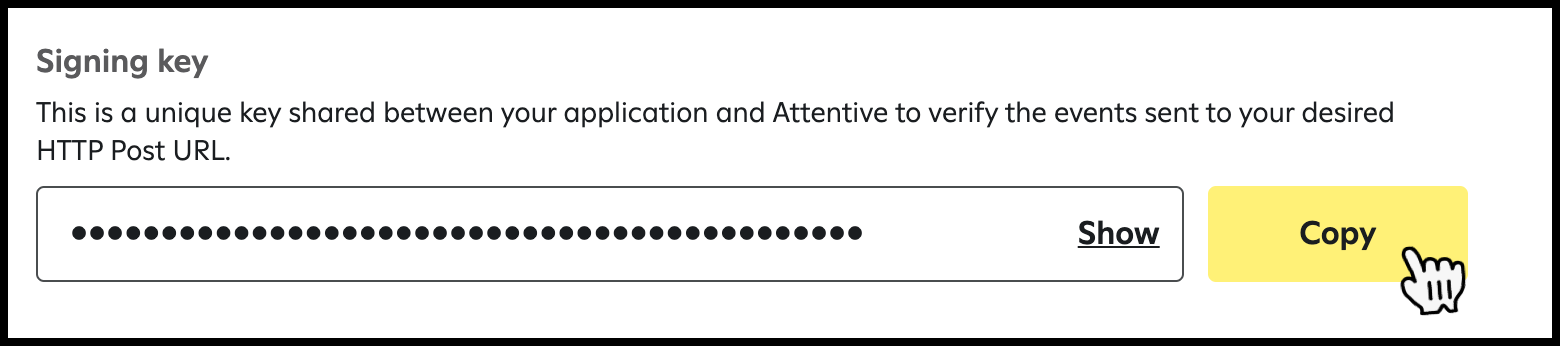
In order to verify signatures, you need to retrieve the signing key of your URL (as shown in the following image) from your dashboard’s webhook settings. See the steps outlined in [Create and manage webhooks](https://docs.attentive.com/docs/create-and-manage-webhooks/). Attentive generates a unique client secret for each webhook and signs each request. The following image shows the signing key:
 For more information about Attentive’s webhooks, see [Webhooks](https://docs.attentive.com/docs/overview/) and [Create and manage webhooks](https://docs.attentive.com/docs/create-and-manage-webhooks/).